
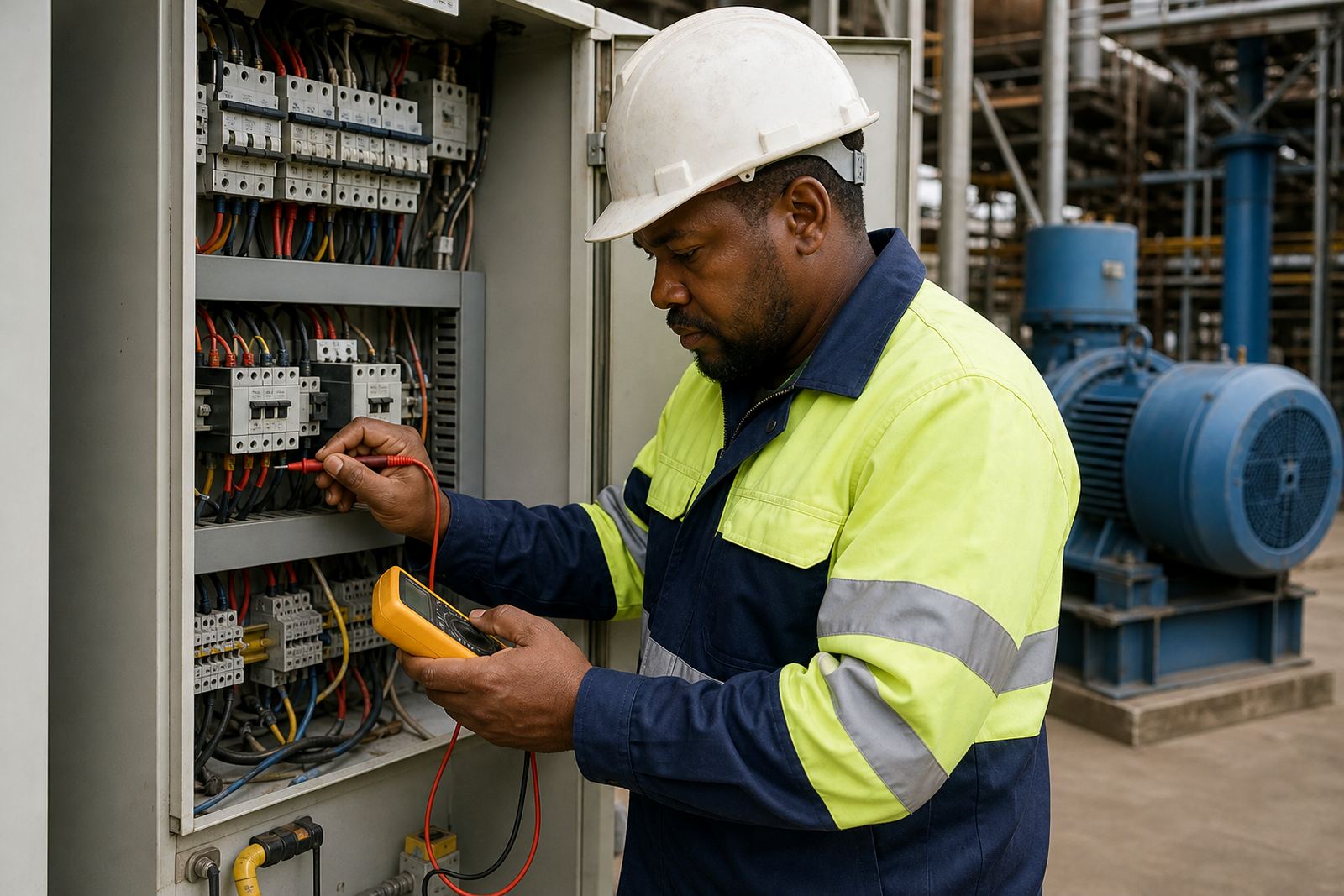
Why cooling matters in a variable speed drive
A variable speed drive is built to manage current, switching and heat. Inside the unit, power electronics create temperature rise every time the drive starts, slows or holds a motor under load. If the drive cannot move that heat away, internal parts age faster and trip more often.
In South African plants, heat problems are not only about summer. Dust, lint, oil mist and fine metal particles build up through the year. In enclosed panels, a blocked air path can raise internal temperature even when the drive itself is still running. That is why a drive that looks fine on the outside can still be living too close to its limit inside.
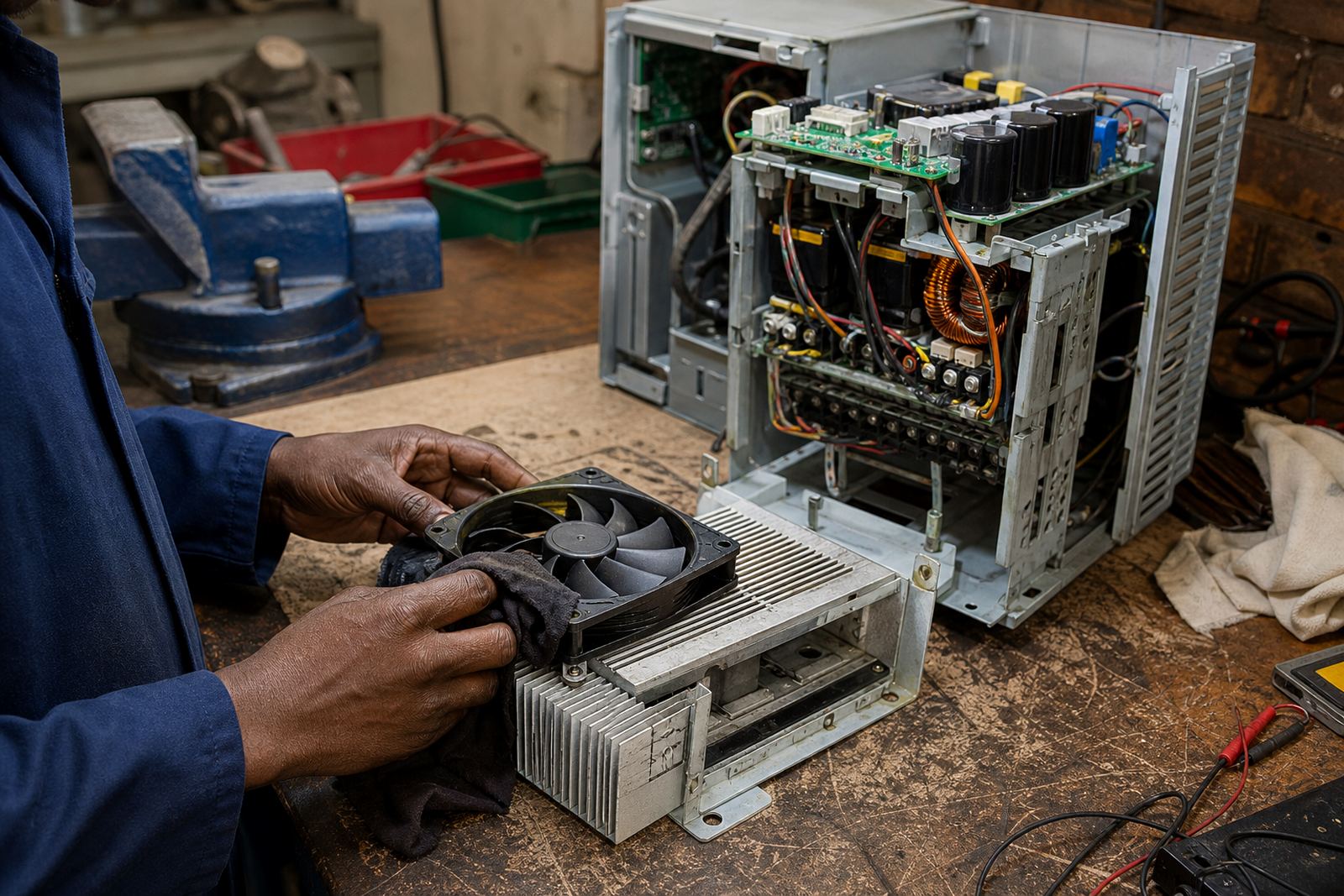
Cooling paths are simple in principle: air must come in, pass over hot components, then leave without obstruction. If that path is reduced, the drive may derate, alarm or shut down. Over time the same heat can stress capacitors, solder joints and control boards, which means a repair that started as a fan issue can become a full drive repair job.
What blocks airflow in real plant rooms
Most airflow issues are practical, not complicated. The problem is usually ordinary dirt, poor panel placement or a fan that has worn out after years of service. In Germiston and nearby industrial areas, we often see drives installed in spaces where other equipment is already adding heat and dust to the room.
Common causes of poor cooling include:
- Dust mats on fan grills and internal filters
- Failed or noisy cooling fans
- Blocked vents from packaging, rags or stored material
- Panels fitted too close to walls or other hot equipment
- Oil vapour or fine conductive dust settling on boards
- Cabinets with damaged seals or missing covers
Sometimes the airflow problem starts outside the drive. A blocked louvre, a failed cabinet fan or a room with poor extraction can cause the same symptoms. In coastal areas like Durban, moisture and salt air can add another layer of trouble, because dirt sticks more easily and corrosion builds on fan frames, terminals and fasteners.
The signs a drive is running too hot
Heat-related faults do not always appear as a sudden breakdown. Often there are smaller warning signs first. The drive may trip after a longer run, reset on a hot afternoon or give a fault code that points to overtemperature. A fan that rattles, slows down or stops intermittently is another clue.
Operators may also notice that a machine used to run normally and now needs a cool-down period before restarting. If the cabinet door feels unusually warm, or the panel area has a burnt smell, the drive should be checked without delay. A proper inspection should include the fan path, internal filters, thermal condition of the board and any signs of heat discolouration on connectors.
Where a drive has already suffered repeated overheating, the damage can be hidden. Capacitors may dry out, insulation on internal wiring can become brittle and terminals may loosen from thermal cycling. That is why a repair should never stop at replacing one fan if the rest of the cooling path is still restricted.
Good maintenance habits that keep heat under control
Routine cleaning and inspection go a long way. Drives do not need complicated treatment, but they do need space, clean air and regular checks. In workshops and plants across Johannesburg, Ekurhuleni and Pretoria, simple maintenance can prevent a small cooling fault from taking a line down.
- Keep the cabinet and room free from loose dust and offcuts
- Check fan rotation, noise and airflow during shutdowns
- Replace damaged filters and clean grills with care
- Leave the required clearance around the enclosure
- Inspect seals, gaskets and panel doors for gaps
- Record any overtemperature trips and investigate them early
If a drive is mounted close to a hot process line, boiler room or compressor area, add the extra heat load into the maintenance plan. A cooling path that works in winter can struggle in summer, especially during load-shedding when site conditions change and equipment comes back online under stress.
Why safe isolation matters before any inspection
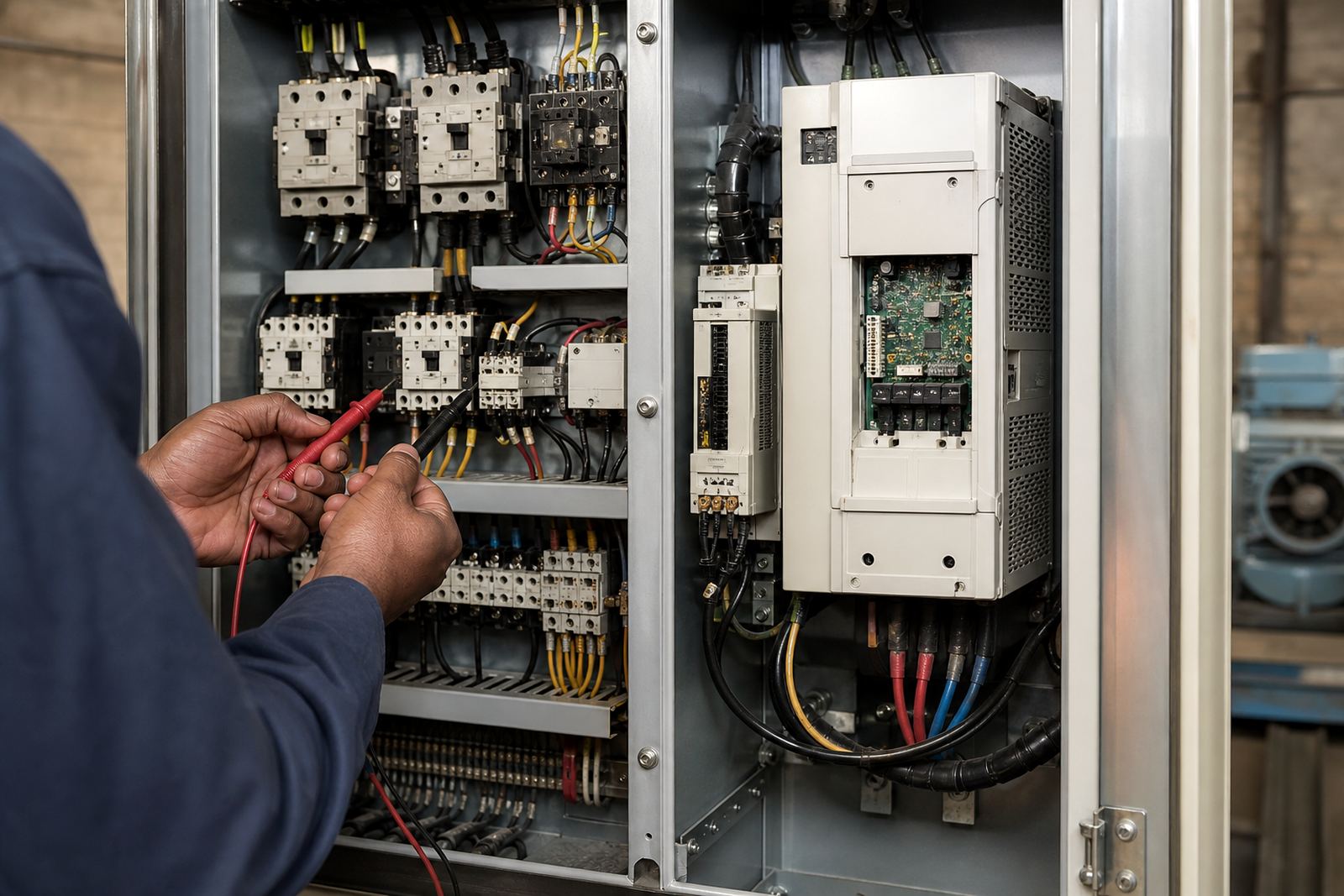
Any work on electrical equipment must be done by qualified people, with proper lockout procedures in place. That includes isolating supply, proving dead, waiting for stored energy to discharge and checking the full circuit before panels are opened. A drive can hold dangerous voltage even after the motor stops, so the supply side and the DC bus must both be treated with care.
This is especially important during fault finding. A rushed inspection can lead to injury, extra damage or a false diagnosis. If a fan has failed because of a supply issue, or if a terminal has overheated due to a loose connection, the root cause needs to be identified before the unit goes back into service. Good records from the site team also help, including when the fault started, what the load was doing and whether there were recent cleaning or shutdown activities.
A Germiston example: dust, heat and repeated drive trips
At a workshop in Germiston, a drive controlling a conveyor started tripping every few days after lunch. The motor itself had been serviced before, but the drive kept overheating. On inspection, the cabinet fan was weak and the lower vent was choked with fine dust from nearby handling equipment. The drive also sat too close to another warm panel, so the hot air had nowhere to go.
After the cooling path was cleared, the fan replaced and the enclosure cleaned, the drive ran normally again. The real lesson was not only the failed fan but the full air route around the panel. Once that path was opened up, the heat problem dropped away and the operator could plan maintenance instead of reacting to alarms.
That kind of issue is common in industrial areas where panels are tucked into tight spaces. The fix is usually straightforward, but only if someone checks the whole system and not just the symptom.
What Locor checks during drive cooling inspections
Locor works with plants and workshops across Germiston, Johannesburg, Ekurhuleni, Pretoria, Vereeniging, Durban, Boksburg and Kempton Park. Our drive inspections look at the full cooling path, not only the fault code. That includes cabinet condition, fan operation, airflow restriction, contamination and signs of overheating on the unit.
- Drive inspection and fault finding
- Panel cleaning and cable checks
- Spares assessment for fans and cooling parts
- Site reporting with practical next steps
- Shutdown planning and commissioning support
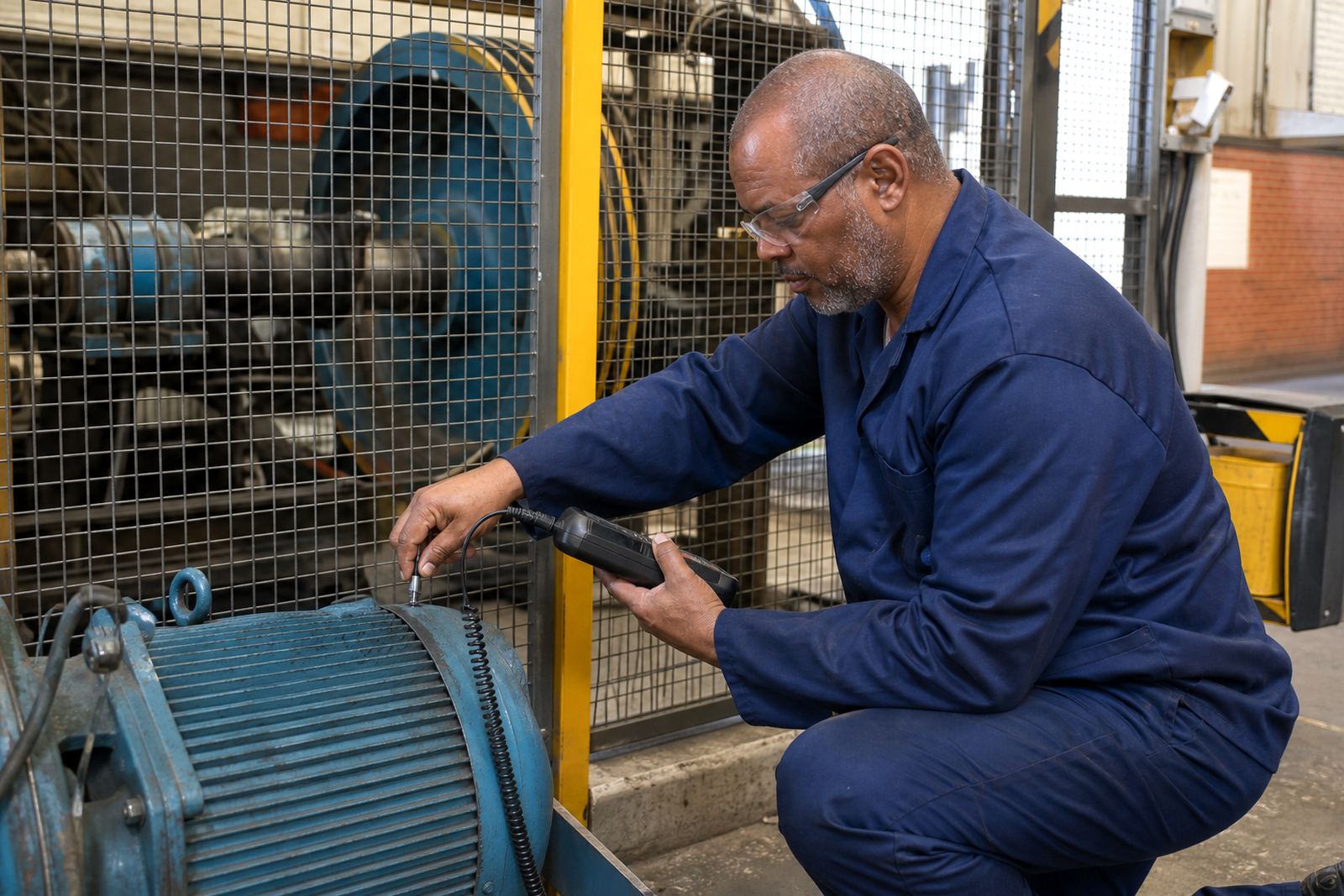
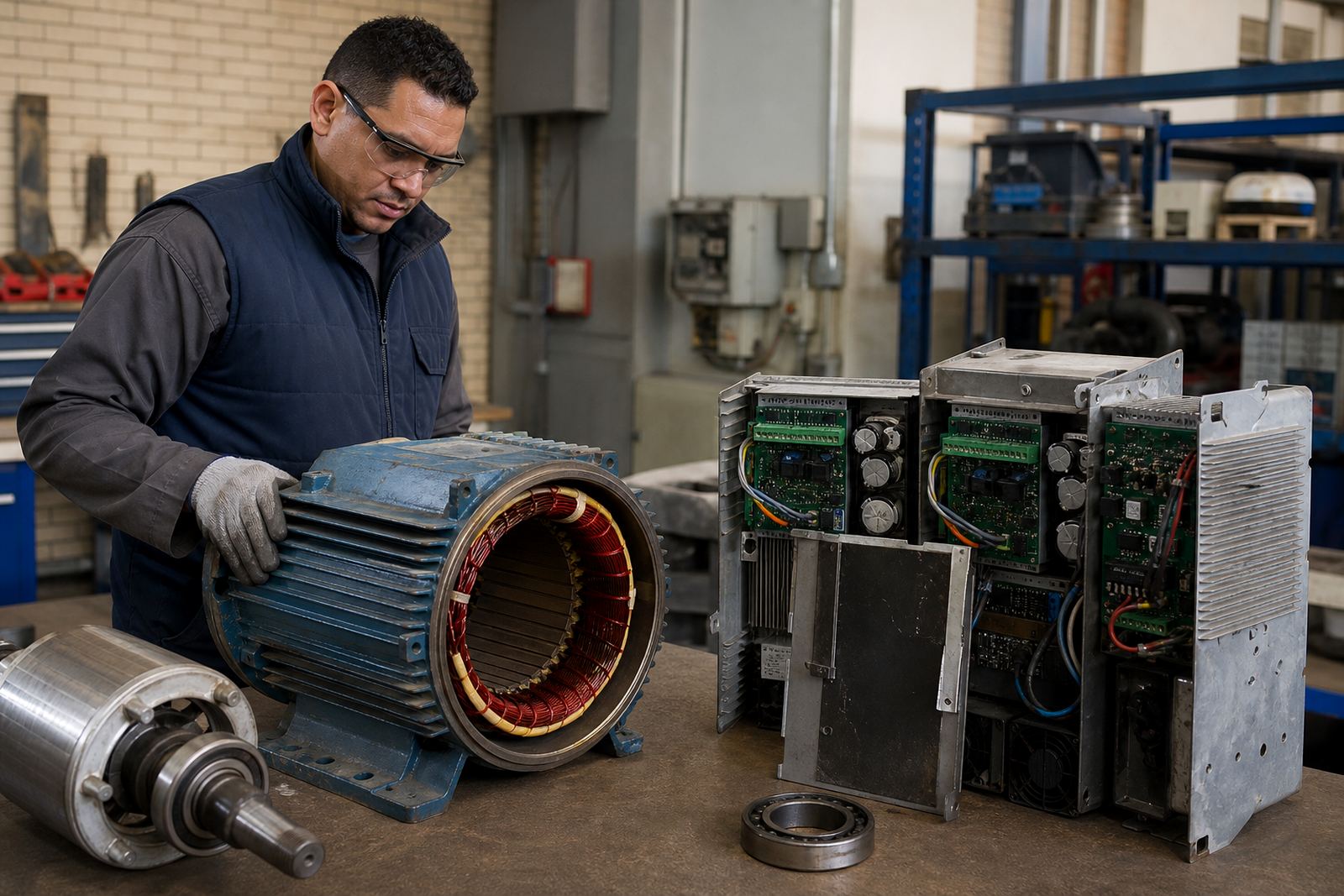
We also support motor removal, bearing checks, insulation testing and alignment checks where the drive fault has affected the wider system. If a cooling problem has led to repeated trips, it is worth checking the motor load, wiring and installed space at the same time. The aim is simple: keep the drive breathing, and it is more likely to keep the machine moving.