
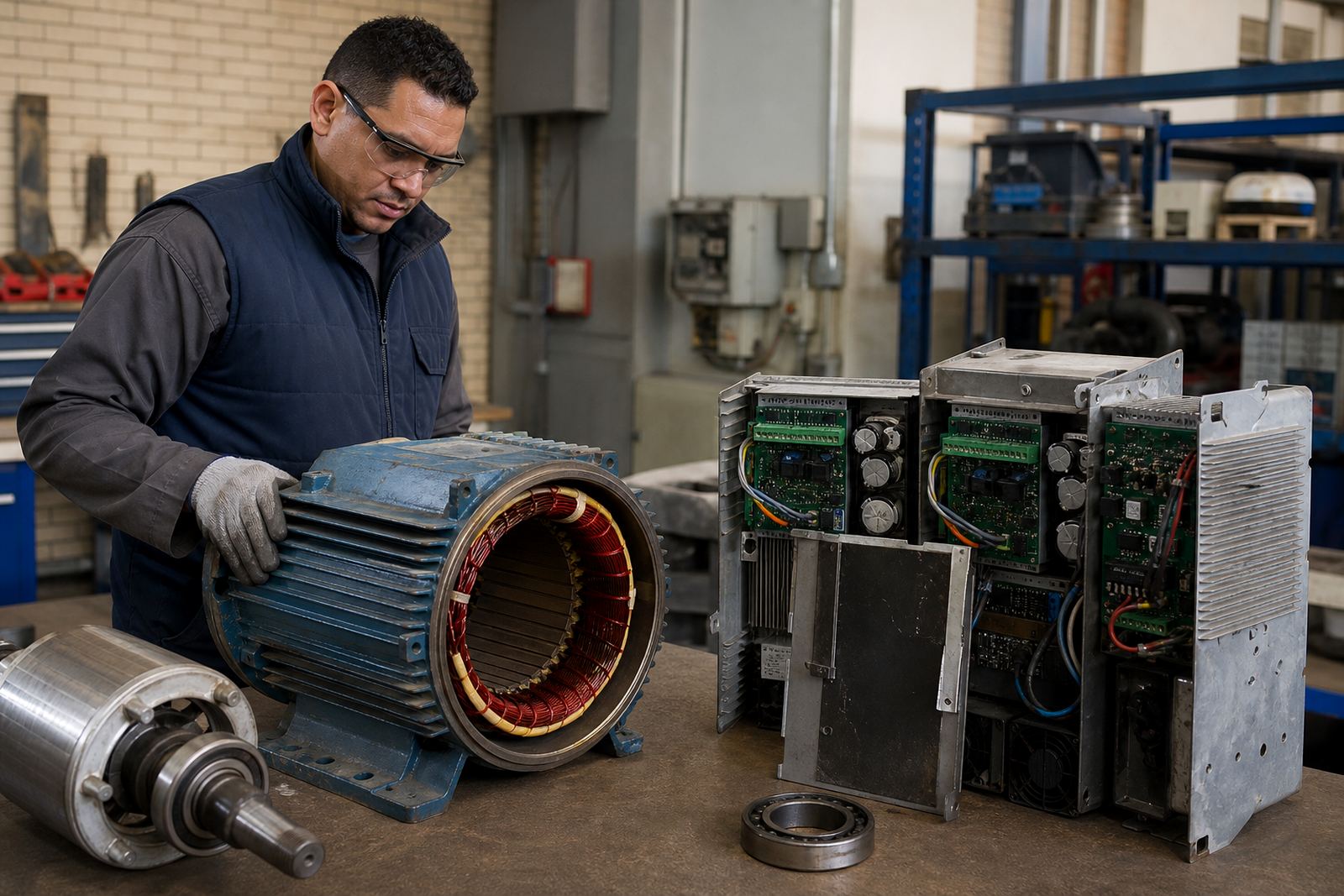

Isolate the equipment before anyone touches it
Before removal, make sure the machine is fully isolated and locked out by qualified people only. Electrical work must not be done on a live system, and a proper lockout procedure should be followed on site so nobody restores power by mistake. This matters on factory floors, pump stations and workshops across Gauteng and further afield, where one missed step can damage the drive or put staff at risk.
If the drive is still mounted in a panel, take time to record the layout first. Note how the incoming supply, motor output and control wiring are arranged, because that information helps the technician during refit and testing. A few clear photos taken before disconnection can save a lot of time later, especially where the panel has been modified over the years.
Record the fault and operating details clearly
A repair workshop can work faster when it receives a proper fault description. Write down what happened, when it started, and whether the drive tripped under load, at start-up or after a power dip. Mention any smells, alarms, smoke, unusual noise or a fan that stopped working. If the unit has been sitting in a humid plant room near the coast or in a dusty shed in Gauteng, say so because that helps explain corrosion or contamination.
Include the machine details as well. The motor size, supply voltage, normal running speed and the type of load all matter. If the drive is used on a conveyor, pump, fan or mixer, say which one. The more exact the note, the easier it is for the team to check likely causes, from cable faults to failed components or overheating. Keep it short but specific, not vague.
- Unit model or identification number
- Motor size and supply voltage
- Fault symptoms and alarm codes
- Where the drive is used on site
- Any recent changes, storms or power events
Remove the drive carefully from the panel or machine
Once the system is safe and isolated, remove the drive with care. Avoid pulling on terminals, forcing connectors or twisting cables. If the unit is in a dirty panel, clean around it first so grit does not fall into the vents or onto the circuit board. A small amount of dust can be enough to cause trouble once the unit is back in service.
Keep screws, brackets and terminal covers together in one marked bag. If there are ferrules, cable markers or shields, keep those too. These small parts are often lost during transport and then the refit takes longer than it should. For larger drives, do not let one person carry the unit alone if it is awkward or heavy. Use proper lifting help and keep fingers away from sharp panel edges.
Pack the drive so it can survive transport
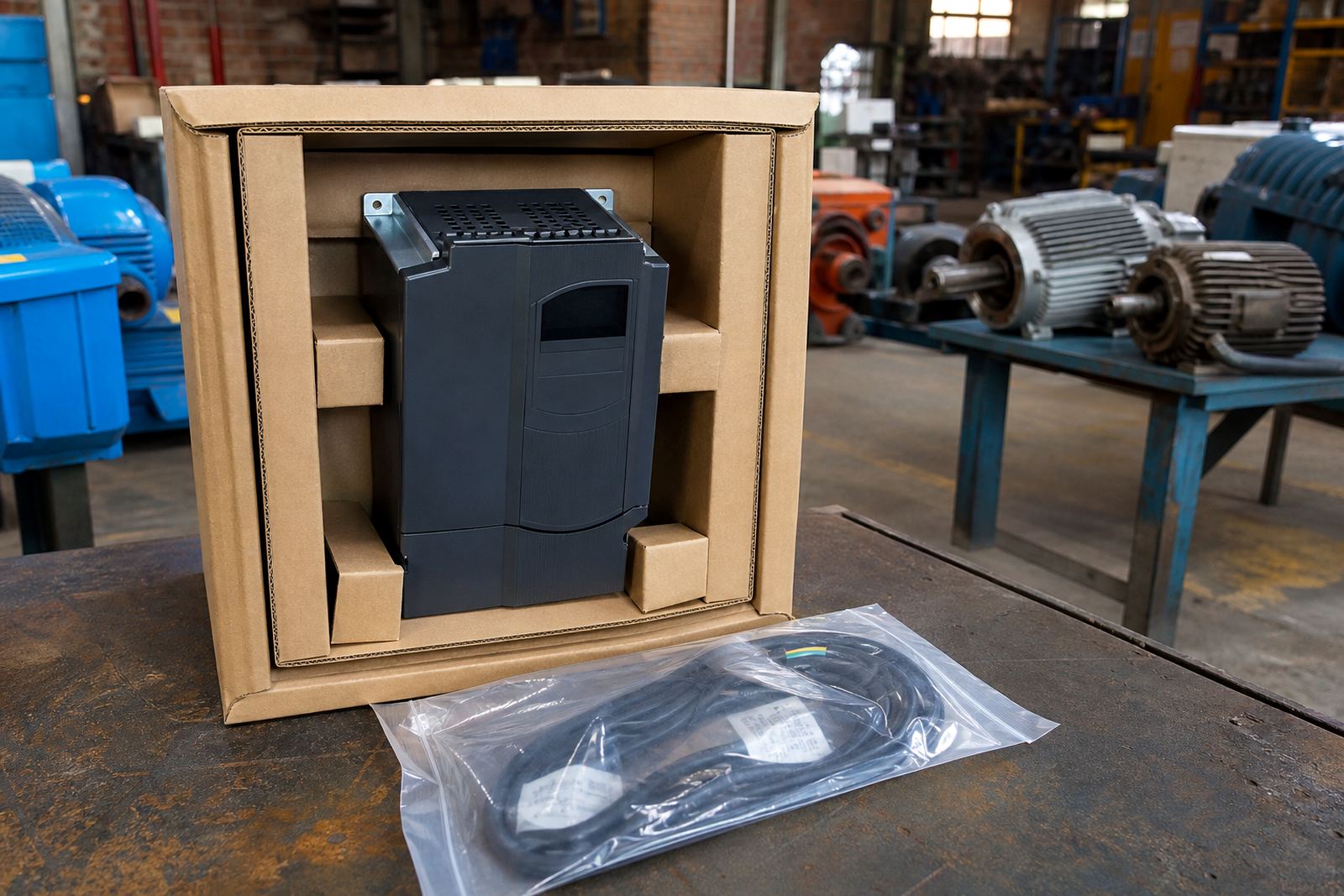
Packaging is not just about keeping the box closed. It is about stopping vibration, impact and static damage. Wrap the drive in clean protective material and place it in a strong box or crate with enough padding on all sides. The unit should not move around inside the package. If it can slide or rattle, it can crack a board or loosen a terminal.
Use a sealed bag or plastic wrap if the drive may face rain, mist or coastal humidity while in transit. In Durban and other humid areas, moisture protection is important even on short trips. Keep liquids, oily rags and metal offcuts away from the parcel. Do not pack the drive with loose tools. If the unit has a removable keypad or control face, protect that separately and label it clearly.
- Use a strong box or crate with padding
- Keep the drive dry and clean
- Stop movement inside the package
- Separate loose accessories and labels
- Mark the parcel as fragile and upright if needed
Send the right accessories and paperwork
Many repair delays happen because the workshop receives only part of the story. Send the drive together with any loose keypad, communication card, mounting frame or terminal cover that belongs to it. If the unit uses a specific programming setup or parameter copy, include the details you have. Do not send random spare parts unless they are clearly marked as related to the fault.
Put a note inside the box and another note on the outside pouch if the courier is using one. The internal note should include your contact details, site name, the fault description and what you want checked. If there are safety concerns, say so upfront. For example, if the drive failed after a motor overload, water ingress or a panel cleaning event, that helps the technician decide what to test first.
What the workshop may check on arrival
Once a drive arrives at the workshop, the first step is usually a visual inspection. The technician looks for signs of heat damage, corrosion, loose terminals, cracked components, dust build-up and water marks. From there, the unit may be tested in stages, including checks on the power section, control section and cooling fan. If the fault points to the field side, the team may also inspect the motor, cables and panel connections.
Good repair work is not guesswork. It normally includes fault finding, drive inspection, cable checks, panel cleaning where needed, and site reporting once the cause is known. If the drive is part of a larger production line, shutdown planning and commissioning support can help with safe return to service. In some cases the problem is external, such as poor ventilation, loose wiring or motor issues, so the drive itself is not the only item that needs attention.
Before you hand over the parcel, use this final check
A final check saves repeat trips and avoids missing parts. Before the parcel leaves Germiston, Boksburg, Kempton Park or any other site, go through the unit once more. Make sure the label is readable and that the box is closed properly. If the equipment is going from Johannesburg, Pretoria, Vereeniging or Durban, use a courier method that keeps the parcel upright and protected from rough handling where possible.
- Drive is isolated and removed by qualified people
- Fault note is inside the box
- Accessories are packed and labelled
- Unit is padded, dry and secure
- Outer label shows sender and site details
- Photos have been kept for reference
If you are unsure whether a part should travel with the drive, ask before sending it. Clear preparation makes the repair process more orderly and can help the workshop focus on the actual fault instead of missing pieces. A careful send-off is often the difference between a quick assessment and a messy start.