
Start With a Safe Site Check Before You Open the Panel
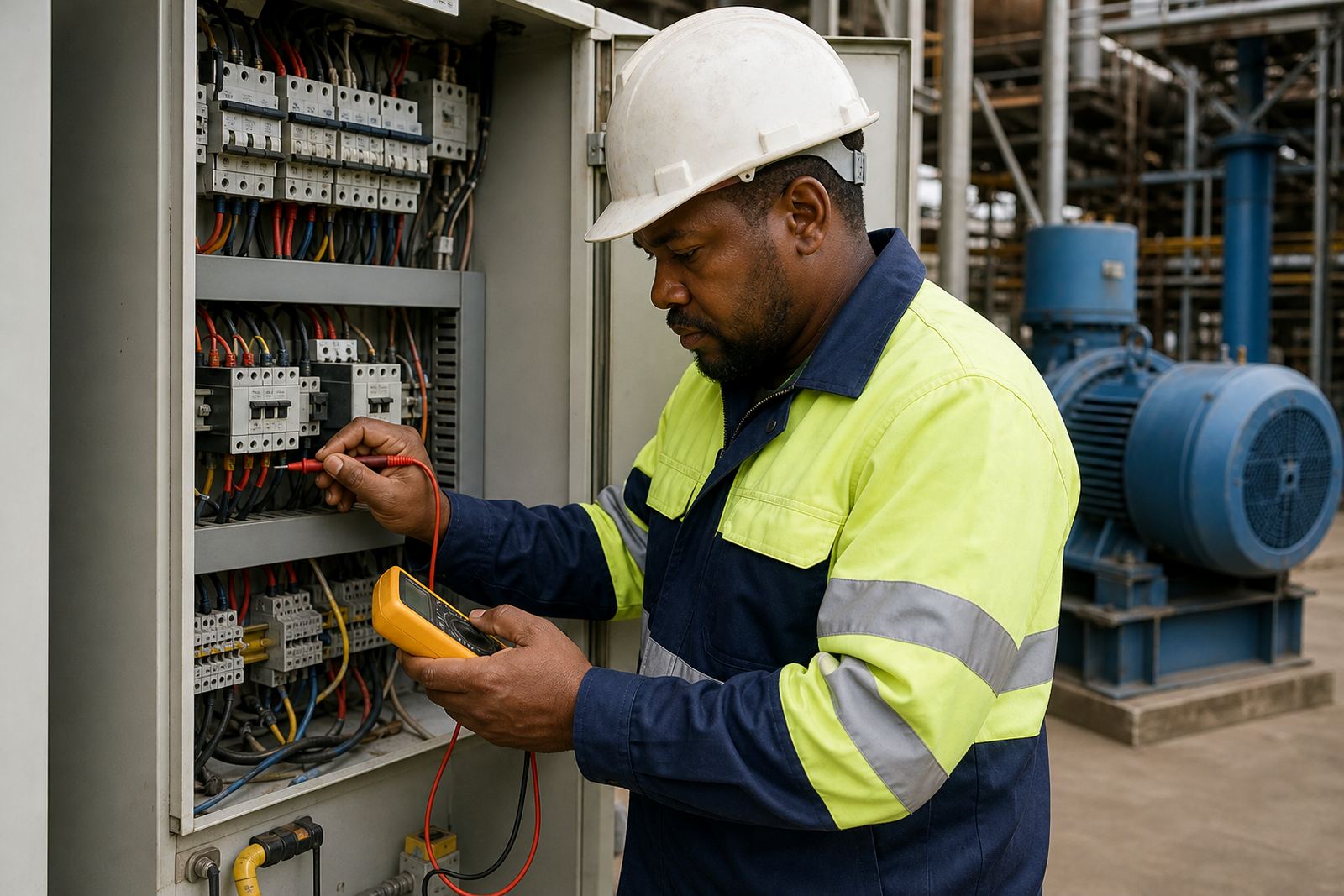
Before any inspection, switch off the supply and follow lockout procedures. Electrical work must only be done by qualified people, because a drive panel can hold dangerous voltage even after the main isolator is off. On industrial sites in Germiston, Boksburg, Kempton Park and the wider Gauteng area, it is common to find a drive cabinet in a busy plant room with poor access and no clear isolation label, so take the time to make the area safe first.
Once the equipment is isolated, look at the space around the drive and the condition of the mounting area. Check whether the panel is in a dry room, whether it sits near a heat source, and whether there is enough space for airflow at the top, bottom and sides. A clean visual inspection often gives the first clue about why a drive is overheating, tripping or failing early.
- Confirm the isolator is locked out and tagged.
- Check for signs of moisture, oil mist or dust build-up.
- Make sure the cabinet doors close properly and seals are intact.
- Look for restricted access, blocked vents or stored items against the panel.
Watch the Temperature Around the Drive Cabinet
Heat is one of the biggest causes of variable speed drive trouble. Drives generate their own heat during operation, and they need a clear path for cooling air. If the cabinet is installed in a hot boiler room, beside a furnace, or in direct sunlight near an external wall, internal temperature can rise quickly. In Durban and other coastal areas, warm humid air can make things worse, especially if the panel is opened often and the filters are already clogged.
Check whether the cabinet has working fans, clean intake filters and enough clearance from walls or other equipment. Feel for excessive warmth around the enclosure after shutdown, and inspect for discoloured plastic, brittle cable insulation or a dusty fan housing. If the drive is mounted in a shared electrical room, ask whether nearby equipment is adding heat into the same space, because that can shorten component life in a way that is easy to miss.
- Keep the room cool and well ventilated.
- Clean or replace blocked filters regularly.
- Do not store drums, boxes or tools against the cabinet.
- Check that internal cooling fans turn freely and are not noisy.
Control Dust, Moisture and Corrosion at the Installation Point
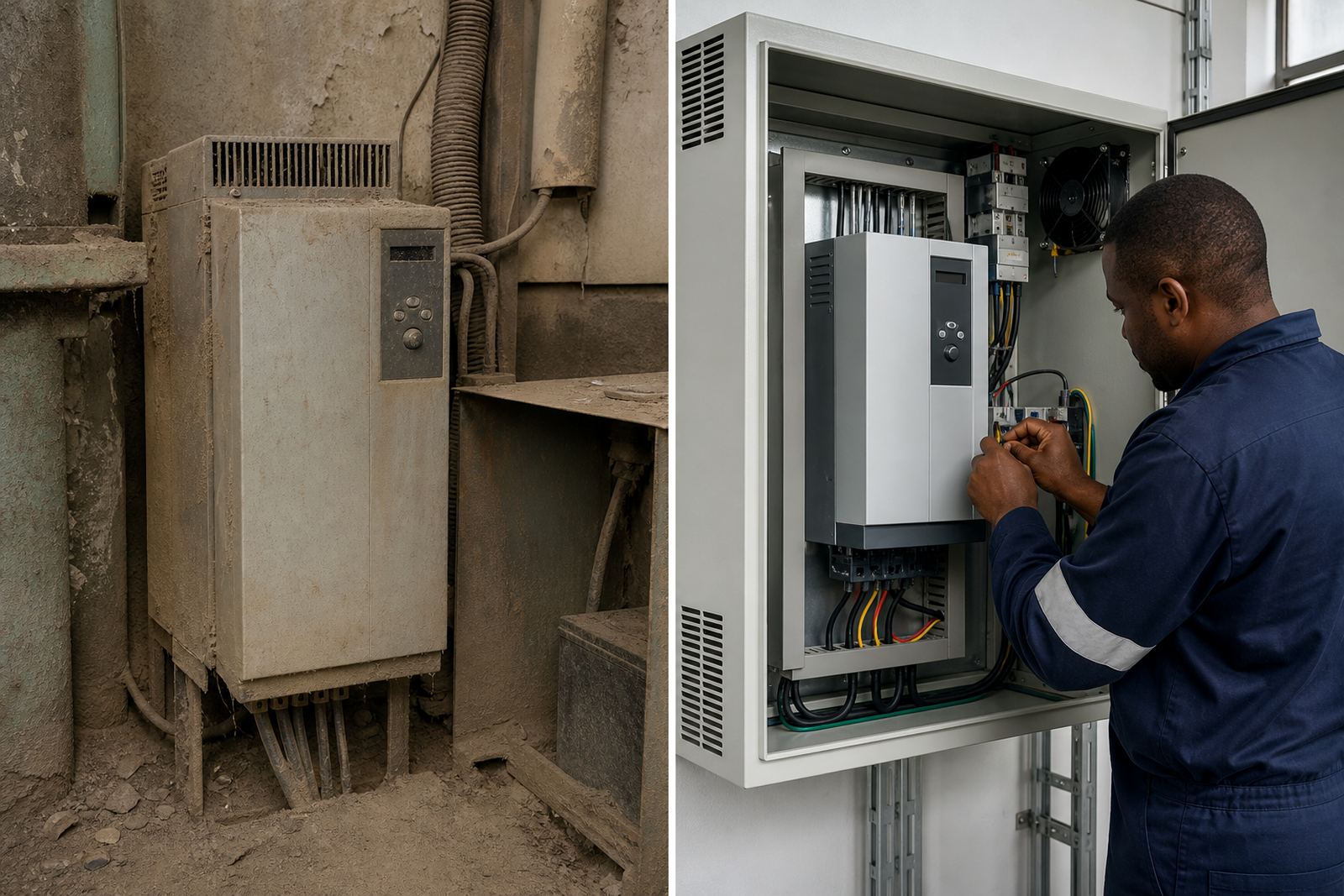
Dust and moisture are a frequent problem in workshops, wash bays and plant areas. Fine dust can settle on heatsinks, boards and terminals, while moisture can cause tracking, corrosion and nuisance trips. In coastal and high-humidity areas, corrosion around terminals and door frames can show up quickly if the cabinet is not sealed properly. Even a light layer of conductive dust can affect insulation and cooling performance.
Look inside the panel for signs of contamination on the drive, contactors and wiring ducts. Check whether cable entries are sealed and whether gland plates are intact. If the cabinet is mounted close to the floor, there should be some protection against wash water, splashback and sweeping dust. Panels in food processing, mining support areas or outside yards may need extra care, because the environment can change over a shift and not stay the same all day.
- Inspect door seals, vents and cable glands.
- Check for rust, white corrosion or water staining.
- Keep panels away from washdown zones where possible.
- Vacuum dust rather than blowing it deeper into the equipment.
Check Airflow, Panel Layout and Clearance
Even when the room temperature is acceptable, poor airflow inside the cabinet can still cause trouble. Drives need space around the heatsink and around any cooling fans. If other components are packed too close together, the hot air can recirculate and build up inside the enclosure. This is common in older installations where a panel was expanded over time and new equipment was added without checking the heat load.
Look at the layout inside the cabinet. Cables should not block fan inlets or outlets, and wiring should be routed neatly so that air can move across the drive body. If the panel has filters, make sure they are not full of lint or metal dust. On sites with frequent load-shedding or generator changeover, equipment may cycle more often than normal, so small airflow problems can become bigger faults much sooner.
- Leave clear space around the drive as specified by the panel design.
- Keep wiring away from fan paths and heatsinks.
- Check that panel lights, relays and terminals are not heating the same air space.
- Review whether the cabinet size still suits the equipment load.
Look for Electrical Noise, Cable Issues and Earthing Problems
A drive can fail to perform properly if the surrounding installation is noisy or poorly earthed. Long cable runs, loose terminations, damaged insulation and poor screening can all create faults that seem like a drive problem but are actually installation issues. In plants and workshops around Pretoria, Vereeniging and Johannesburg, it is worth checking the condition of motor cables, control wiring and earth connections as part of the environment review.
Examine the panel for cable damage, overheating at terminations and any sign of loose glands or rubbing points. Check that sensitive signal cables are separated from power cables where possible. If there are repeated trips after storms, switching events or generator operation, the issue may be linked to supply quality or earthing rather than the drive itself. That kind of problem needs proper fault finding and site reporting, not guesswork.
- Inspect earth straps and bonding points.
- Check for loose terminals, burnt lugs or darkened insulation.
- Keep control wiring separate from power wiring.
- Review supply stability after outages or changeover events.
Use a Simple Inspection Routine and Record What You Find
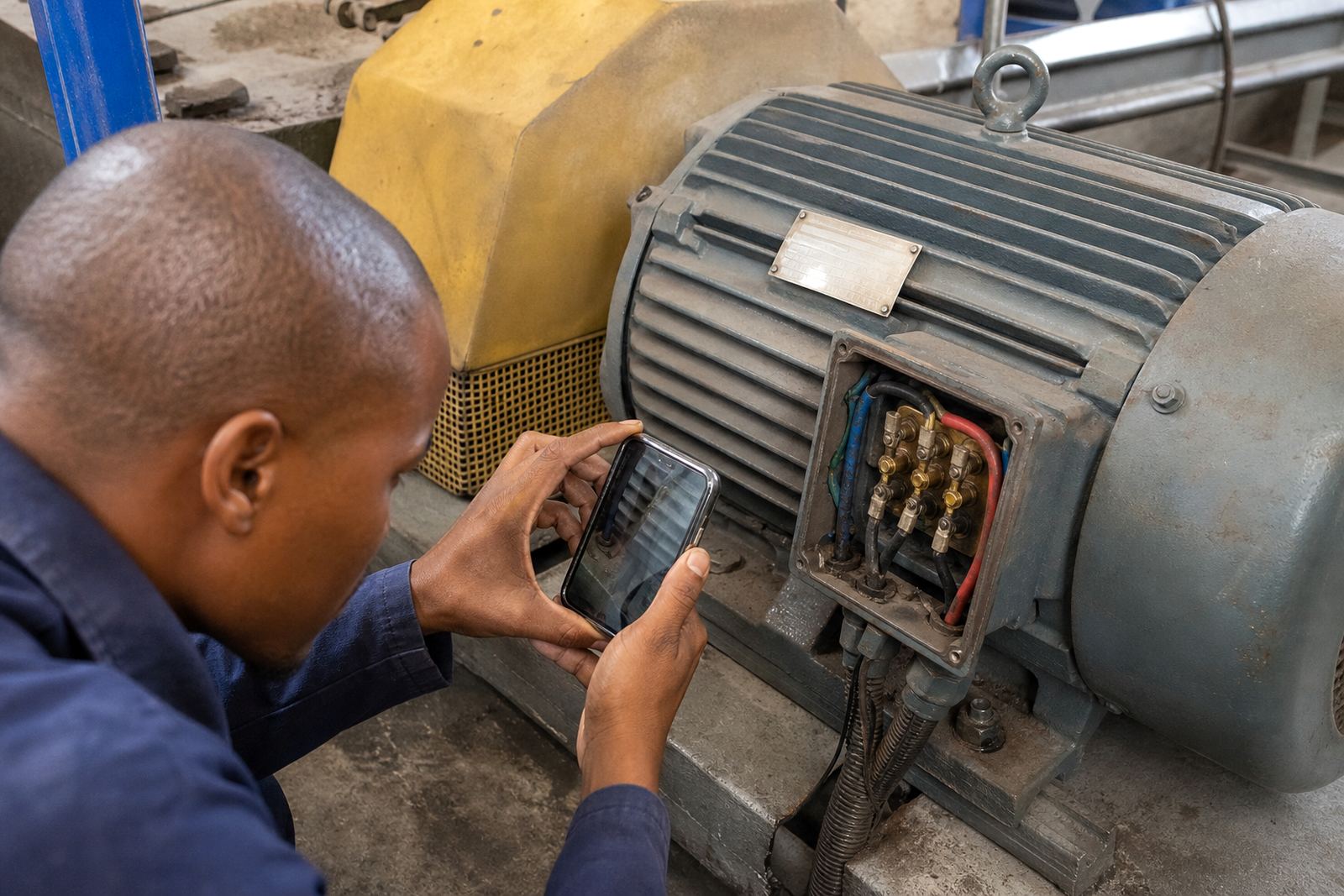
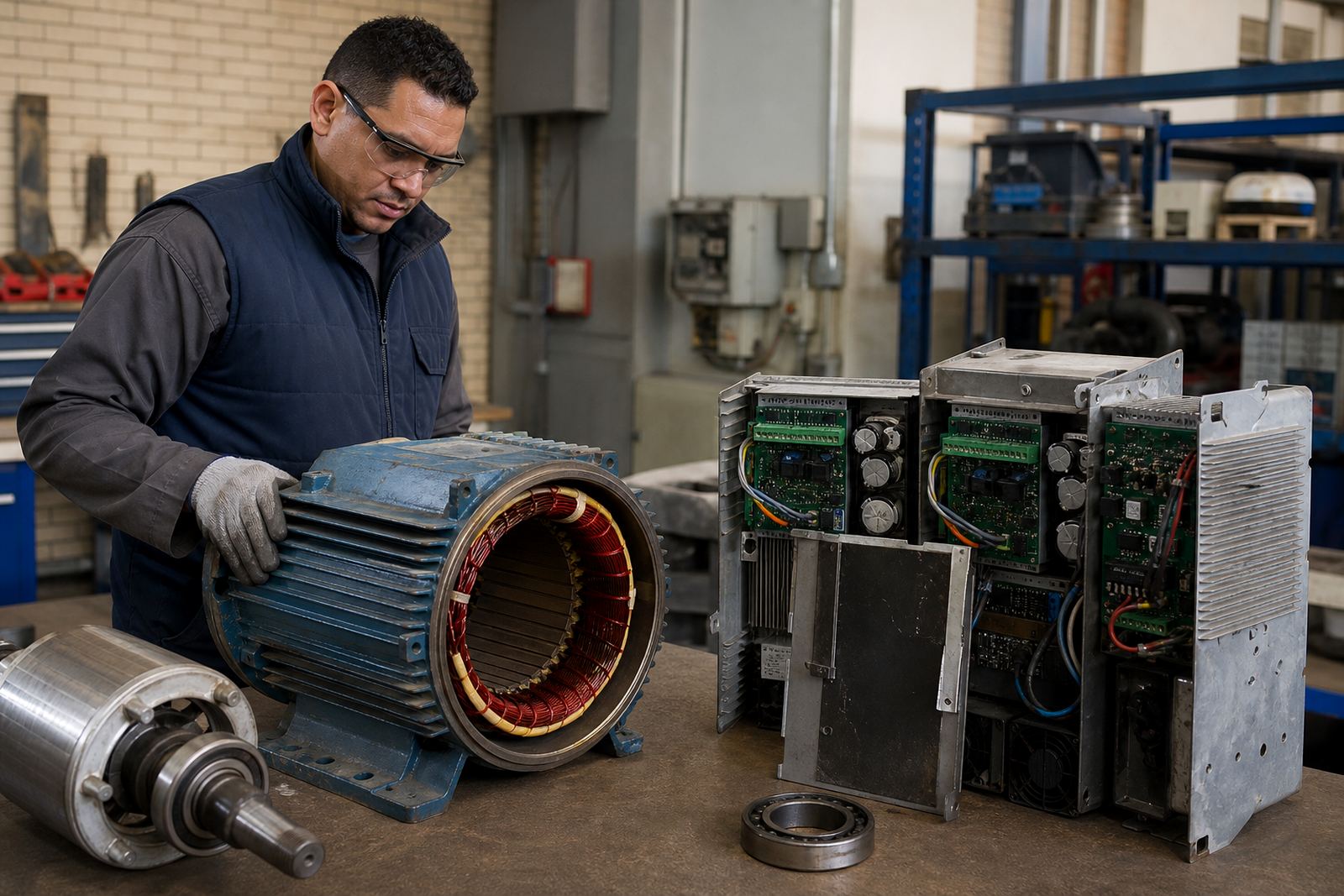
A regular routine helps you catch small problems before they become stoppages. Record what the room feels like, what the cabinet looks like and whether there are any alarms or unusual noises. Note fan condition, filter condition, corrosion, dust levels and cable issues. If the drive is linked to a motor that has had bearing replacement, insulation testing or alignment checks, include those details as well because the drive and motor system should be reviewed together, not in isolation.
For many sites, a short monthly check is enough to highlight changes. Larger plants may need a tighter inspection schedule during hot weather, dusty production runs or shutdown periods. If anything looks unsafe, or if the cabinet shows repeated heat, moisture or contamination problems, arrange proper inspection by qualified personnel before the fault spreads to the motor, panel or process equipment.
- Keep a dated record of cabinet condition and faults.
- Compare current readings and observations with previous visits.
- Schedule cleaning and maintenance before the next production run.
- Escalate repeated overheating, tripping or corrosion early.